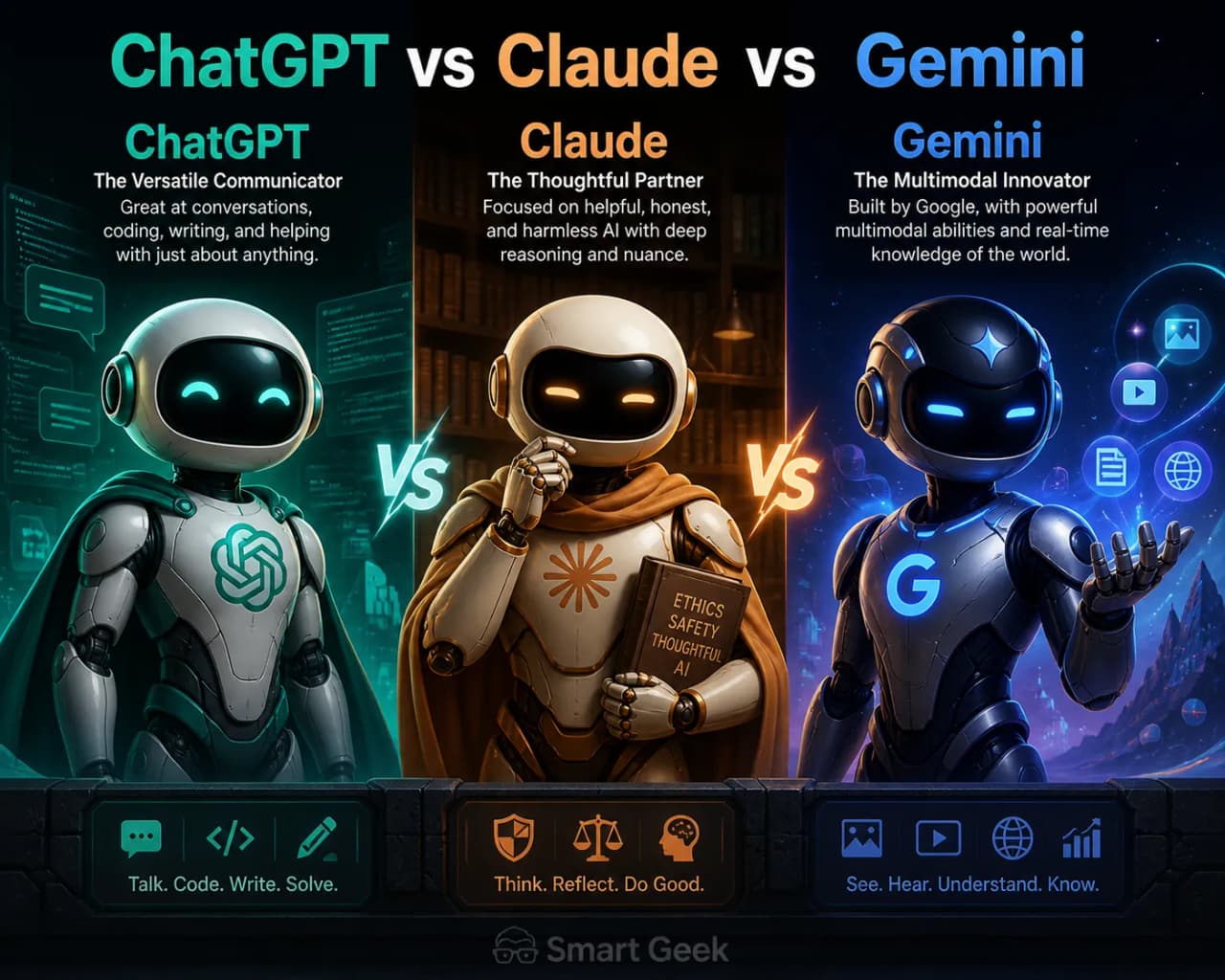
ChatGPT vs Claude vs Gemini: Which AI is Best in 2026
Compare ChatGPT vs Claude vs Gemini in 2026. See which AI wins for writing, coding, research, and more with a clear recommendation for beginners.
 Sayed Bin Fahad
Choosing the wrong AI tool wastes your time, money, and sometimes gives you embarrassingly bad results. After spending months using all three in real work scenarios, here's exactly what each one does well, and where each one falls flat.
Why the ChatGPT vs Claude vs Gemini Debate Actually Matters Now
A year ago, ChatGPT was the obvious default. Today, the gap has closed dramatically. Claude (made by Anthropic, available at Claude) and Gemini (Google's AI) both not only caught up, but also in some areas, surpassed ChatGPT.
This isn't just a tech nerd debate. The AI you pick affects how fast you write emails, how well you debug code, how reliable your research is, and how much you pay every month. Getting this decision right matters.
As of April 2026, all three tools are genuinely powerful. The right choice depends entirely on what you're using it for, and that's exactly what this article breaks down.
A Quick Look at All Three AIs
Before the deep comparison, here's the short version of who made what:
ChatGPT - Built by OpenAI. The one that started the modern AI chatbot era. Available at OpenAI.
Claude - Built by Anthropic, a safety-focused AI company. Available at Claude. Known for long-context handling and thoughtful, nuanced responses.
Gemini - Built by Google DeepMind. Deeply integrated with Google's ecosystem (Docs, Gmail, Search). Available at Gemini.
All three have free tiers and paid plans. All three can write, explain, summarize, and help with coding. The differences come in the quality, depth, and specific strengths of each.
Side-by-Side Comparison: ChatGPT vs Claude vs Gemini
Feature | ChatGPT | Claude | Gemini |
Free Plan | Yes (GPT-4o, limited) | Yes (Claude Sonnet, limited) | Yes (Gemini 1.5 Flash) |
Paid Plan Cost | $20/month (Plus) | $20/month (Pro) | $19.99/month (Advanced) |
Best For | General use, image generation, plugins | Long documents, writing, nuanced reasoning | Google Workspace users, research with live search |
Context Window | 128K tokens | 200K tokens | 1M tokens (Gemini 1.5 Pro) |
Image Generation | Yes (DALL·E 3 built-in) | No | Yes (Imagen 3) |
Live Web Access | Yes (with search tool) | Yes (with search tool) | Yes (native Google Search) |
Strengths | Versatility, plugin ecosystem, image gen | Nuanced writing, safety, long documents | Google integration, massive context, research |
Weaknesses | Can be overconfident, pricey for teams | No image generation, slower on free tier | Less personality, weaker creative writing |
💡 Practical Tip: If you're already paying for Google One, check whether Gemini Advanced is included in your plan, it often is. That makes Gemini essentially free for you.
Our Pick: Which AI Wins Overall?
For most people: Claude.
Here's my honest take: after using all three daily, Claude produces the most reliable, thoughtful output for the widest range of real tasks. It doesn't hallucinate as aggressively as ChatGPT can, it handles long documents better than both competitors, and its writing quality is consistently high.
ChatGPT is a close second, especially if you need image generation or love having third-party plugins. Gemini wins if you live inside Google's ecosystem and do a lot of research-heavy work.
But if you had to pick just one and you're not a developer or power user? Start at Claude and try the free tier first.
Which AI Is Best for Your Specific Role?
Best AI for Students
Winner: Claude or Gemini (tie)
Students doing research will love Gemini's native Google Search integration. It can extract current information and cite sources, which is exactly what you need for essays, reports etc. Claude is better when you need to understand complex material. Paste in a 50-page textbook chapter and ask Claude to explain it simply, it handles that better than the other two.
A common mistake students make is using ChatGPT to write essays wholesale. That's both academically dishonest and often detectable. Instead, use these tools to explain concepts, generate outlines, or check your own writing.
Best AI for Developers
Winner: ChatGPT (with Claude as a strong second)
ChatGPT with the GPT-4o model is still the go-to for most developers. It's trained on massive amounts of code, integrates with tools like GitHub Copilot's underlying infrastructure, and handles multi-language debugging well.
Here's a real example: I pasted a broken Python function into Claude and ChatGPT and asked both to fix and explain it. Both caught the bug, but Claude's explanation was clearer for beginners. ChatGPT's fix was faster and included edge case handling.
python
# Example: Broken function, both Claude and ChatGPT can spot this

def calculate_average(numbers):

    return sum(numbers) / len(numbers)  # Crashes if list is empty

# Fixed version both suggested:

def calculate_average(numbers):

    if not numbers:

        return 0

    return sum(numbers) / len(numbers)
For complex architecture questions or debugging unfamiliar codebases, Claude's 200K context window is genuinely useful. You can paste an entire file and get smart feedback.
Best AI for Writers
Winner: Claude
In my experience, Claude produces the most natural, human-sounding prose of the three. It doesn't over-format everything into bullet points. It understands tone, nuance, and can match a style you describe.
What most guides skip: Claude is also significantly better at editing your writing rather than replacing it. Ask it to "improve the flow of this paragraph without changing my voice" and it actually does that, rather than rewriting everything in a generic AI style.
ChatGPT is decent for writers but tends toward safe, predictable language. Gemini's creative writing is the weakest of the three.
Best AI for Business Users
Winner: Gemini (if Google Workspace) or ChatGPT (for everything else)
If your team lives in Google Docs, Gmail, and Sheets, Gemini's deep integration makes it a productivity tool, not just a chatbot. It can summarize email threads, draft replies, and work inside Docs directly, without copy-pasting.
For business users not on Google Workspace, ChatGPT's custom GPT feature and API access make it the more flexible tool. You can build internal AI assistants tailored to your business.
Real-World Use Case Breakdown
Writing Emails
Best choice: Claude Claude understands context and tone better. Ask it to "write a polite but firm follow-up email to a client who hasn't paid" and the output is genuinely usable, not stiff or robotic.
Coding Help
Best choice: ChatGPT or Claude Both are excellent. ChatGPT is faster for quick syntax questions. Claude is better for understanding why something works, which helps you learn rather than just copy-paste.
Research and Fact-Finding
Best choice: Gemini Gemini's live Google Search integration means it can pull current data, news, and citations. ChatGPT and Claude can also search the web, but Gemini's integration is smoother and more reliable as of April 2026.
Image Generation
Best choice: ChatGPT Only ChatGPT (via DALL·E 3) and Gemini (via Imagen 3) generate images natively. Claude does not support image generation as of April 2026. If visual content is part of your workflow, Claude isn't the right primary tool.
Free Plans Compared: What Do You Actually Get?
The free tiers matter because most people start there. Here's the honest picture:
ChatGPT Free: Gives you access to GPT-4o with message limits. You'll hit the cap during heavy use. No image generation on the free tier.
Claude Free: Access to Claude Sonnet (not the most powerful model, but still strong). Limited daily messages. No file uploads on free.
Gemini Free: Access to Gemini 1.5 Flash, which is fast but less capable than the Pro model. Good for quick tasks.
💡 Practical Tip: Rotate between free tiers strategically. Use Gemini free for research, Claude free for writing and editing, and ChatGPT free for coding questions. This way you get more total usage without paying anything.
Common Mistakes to Avoid When Using These AI Tools
1. Trusting outputs without checking All three AI tools can be confidently wrong. Always verify facts, especially for anything health, legal, or financial. This is not a knock on any single tool. It's just how large language models work today.
2. Using the same prompt for every task Vague prompts get vague results. "Write me something about marketing" will give you generic garbage on any platform. Be specific: who's the audience, what's the goal, what tone do you want?
3. Ignoring context window size If you're working with long documents or long conversations, Claude's 200K context window is a real advantage. Switching to ChatGPT for that task means it might "forget" what you said earlier in the conversation.
4. Paying for a plan you don't need If you're a casual user who writes a few emails a week, the free tiers are genuinely sufficient. Don't pay $20/month until you've actually hit the free limits consistently.
5. Thinking one AI is always better The best AI is the right AI for the specific task. Developers who dismiss Claude are missing a great debugging partner. Writers who use only ChatGPT are leaving better prose quality on the table.
FAQ: ChatGPT vs Claude vs Gemini
Q1: Which AI gives the most accurate answers? No AI is perfectly accurate. As of April 2026, Claude tends to be more cautious and less likely to fabricate information (a behavior called "hallucination"). Gemini has an edge for current events because of its Google Search integration. For general accuracy, Claude is the safest bet.
Q2: Is Claude really made by Anthropic? Yes. Claude is developed by Anthropic, an AI safety company founded in 2021. You can access it for free at Claude. Anthropic's focus on "Constitutional AI" means Claude is designed to be less likely to produce harmful or misleading outputs.
Q3: Can I use these AIs for free in 2026? Yes, all three have free tiers. ChatGPT offers GPT-4o with limits, Claude offers Claude Sonnet with daily usage caps, and Gemini offers Gemini 1.5 Flash. The paid plans ($19.99–$20/month) unlock more powerful models and higher usage limits.
Q4: Which AI is best for coding? ChatGPT and Claude are both strong for coding. ChatGPT tends to be faster for quick answers. Claude is better for explaining why code works, making it ideal if you're learning. For refactoring large codebases, Claude's larger context window gives it a practical edge.
Q5: Does Claude support image generation? No. As of April 2026, Claude does not generate images. If image creation is important to your workflow, ChatGPT (DALL·E 3) or Gemini (Imagen 3) are the better options.
Q6: Which AI should a complete beginner start with? Start with Claude at claude.ai. The interface is clean, the responses are clear and well-explained, and it's less likely to overwhelm you with jargon. Once you're comfortable with AI tools in general, try the others and see which fits your specific needs.
The best AI chatbot in 2026 isn't a single answer. It's the right tool for your task. For most people starting out, Claude offers the most reliable, thoughtful, and genuinely useful experience. But keeping ChatGPT and Gemini as secondary tools based on what you need is a smart move. Try the free tiers of all three, and you'll figure out your preference within a week.