Best Free AI Image Generators
You want to generate an AI image right now, not after filling out a registration form nor verifying your email, and agreeing to three pages of terms. The good news is, there are genuinely excellent free AI image generators in 2026 that let you type…
 Sayed Bin Fahad
You want to generate an AI image right now, not after filling out a registration form nor verifying your email, and agreeing to three pages of terms. The good news is, there are genuinely excellent free AI image generators in 2026 that let you type a prompt and get stunning results in seconds, there is no account required.
Why No-Sign-Up AI Image Generators Matter
Not everyone wants to hand over their email address just to make a quick illustration for a blog post or a fun avatar. And with how fast this space has moved, the free, no-login tools have caught up significantly in quality. Whether you're a blogger, a student, a small business owner, or just someone curious about AI art, there's a tool on this list that fits your exact need.
Top 7 Free AI Image Generators That Need No Sign-Up in 2026
1. Microsoft Copilot Image Creator (Bing Image Creator)
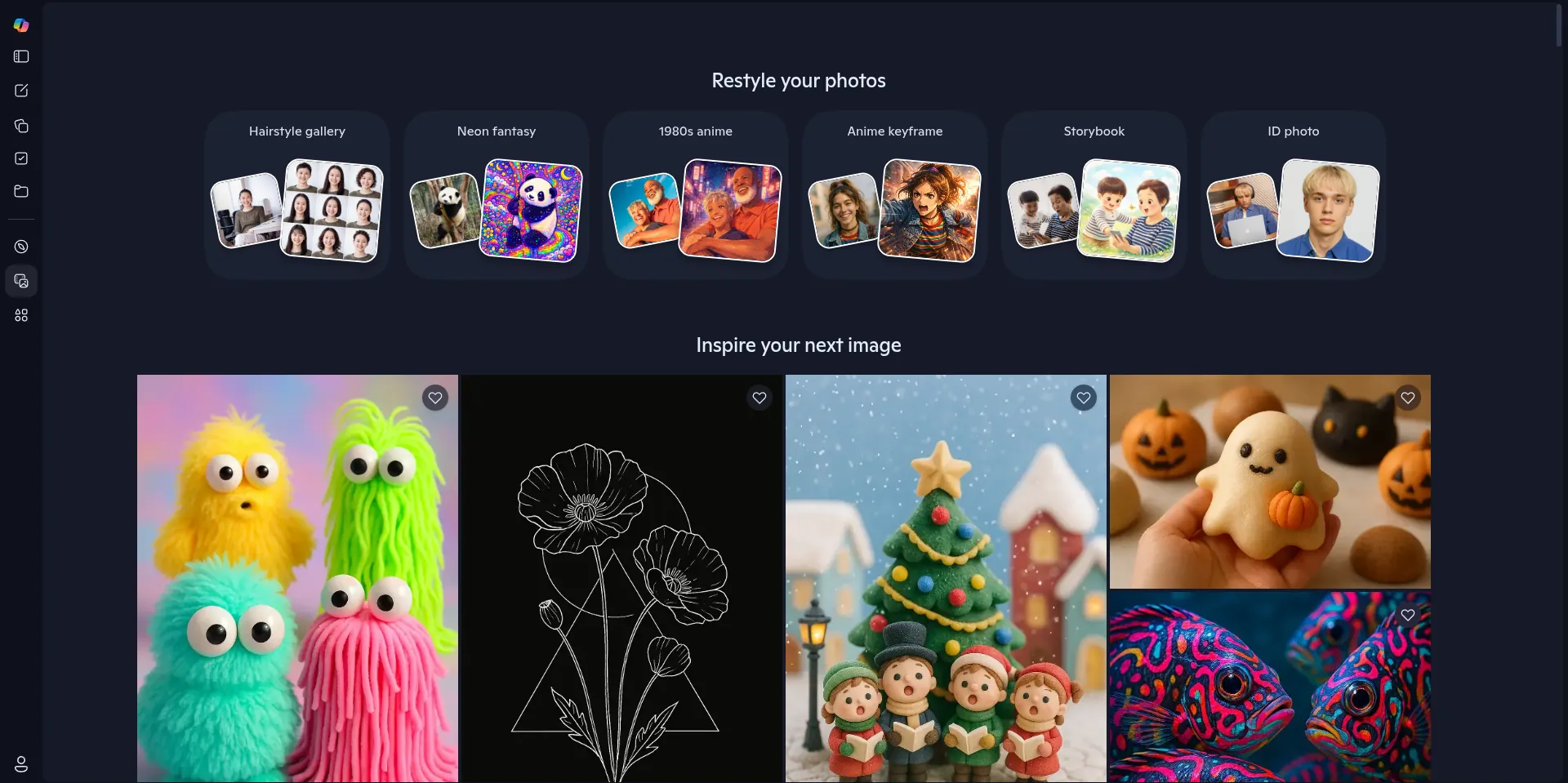
What makes it unique: Powered by DALL-E 3, Microsoft's Copilot Image Creator produces some of the most photorealistic and coherent images of any free tool. The integration with Bing means it understands complex, multi-part prompts better than most competitors. You can access it directly at bing.com/images/create without signing in, though logged-in users get faster "boost" credits.
Website: Microsoft Copilot Image
Image Quality: ExcellentDaily Free Limit: ~15 boosted generations per day (unlimited slow generations)
Best For: Realistic scenes, professional-looking visuals, blog thumbnails
2. Adobe Firefly (Free Web Version)
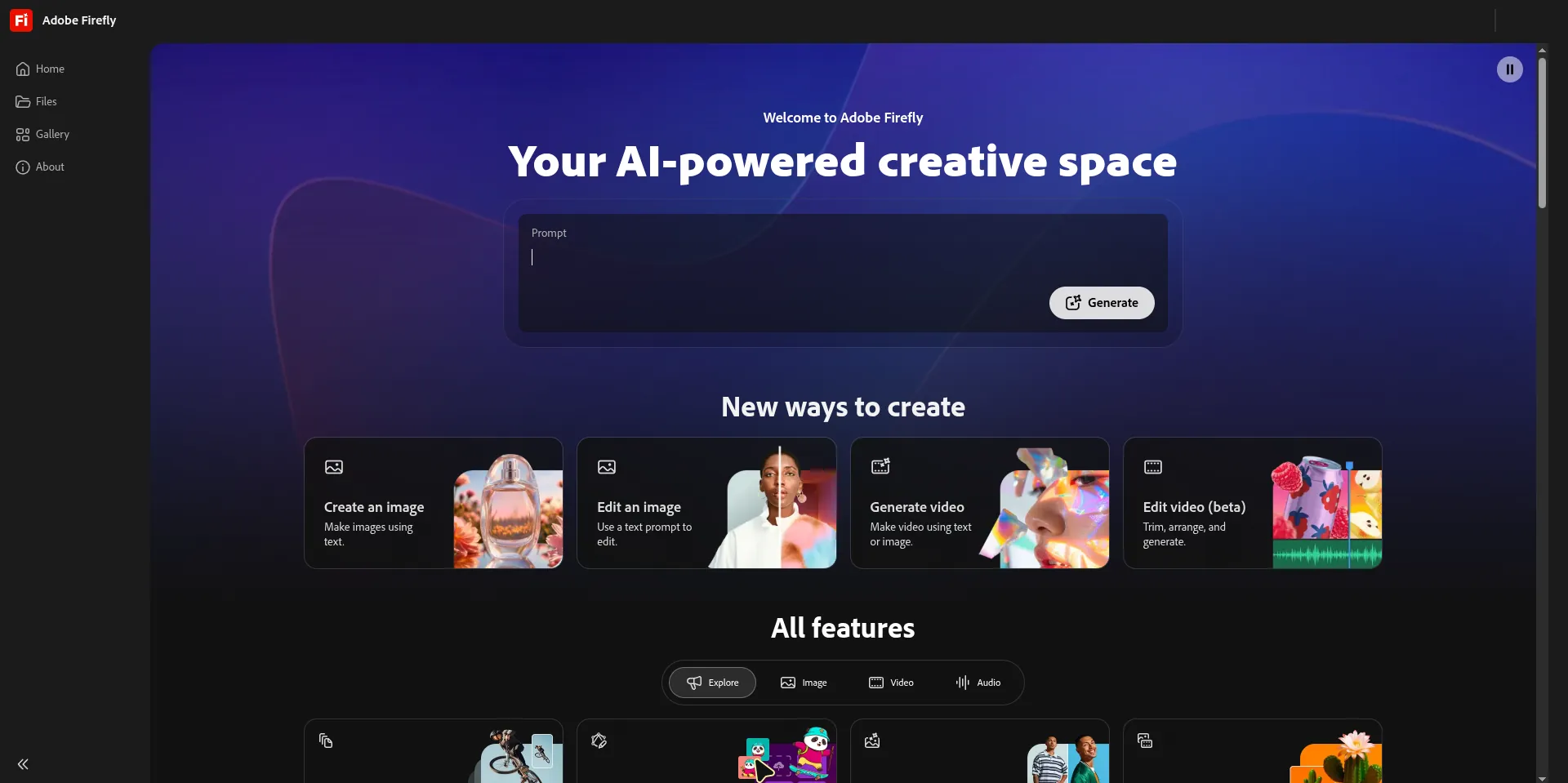
What makes it unique: Adobe Firefly has a reputation for producing commercially cleaner images because it was trained primarily on licensed and Adobe Stock content. The no-sign-up free tier in 2026 allows limited generations per month directly from the web interface. The style controls and lighting adjustments are genuinely impressive. Honestly one of the most visually consistent tools I've tested.
Website: Adobe Firefly
Image Quality: ExcellentDaily Free Limit: 25 generative credits/month (no sign-up limited preview)
Best For: Professional design assets, clean editorial images, product mockups
3. Craiyon (formerly DALL-E mini)
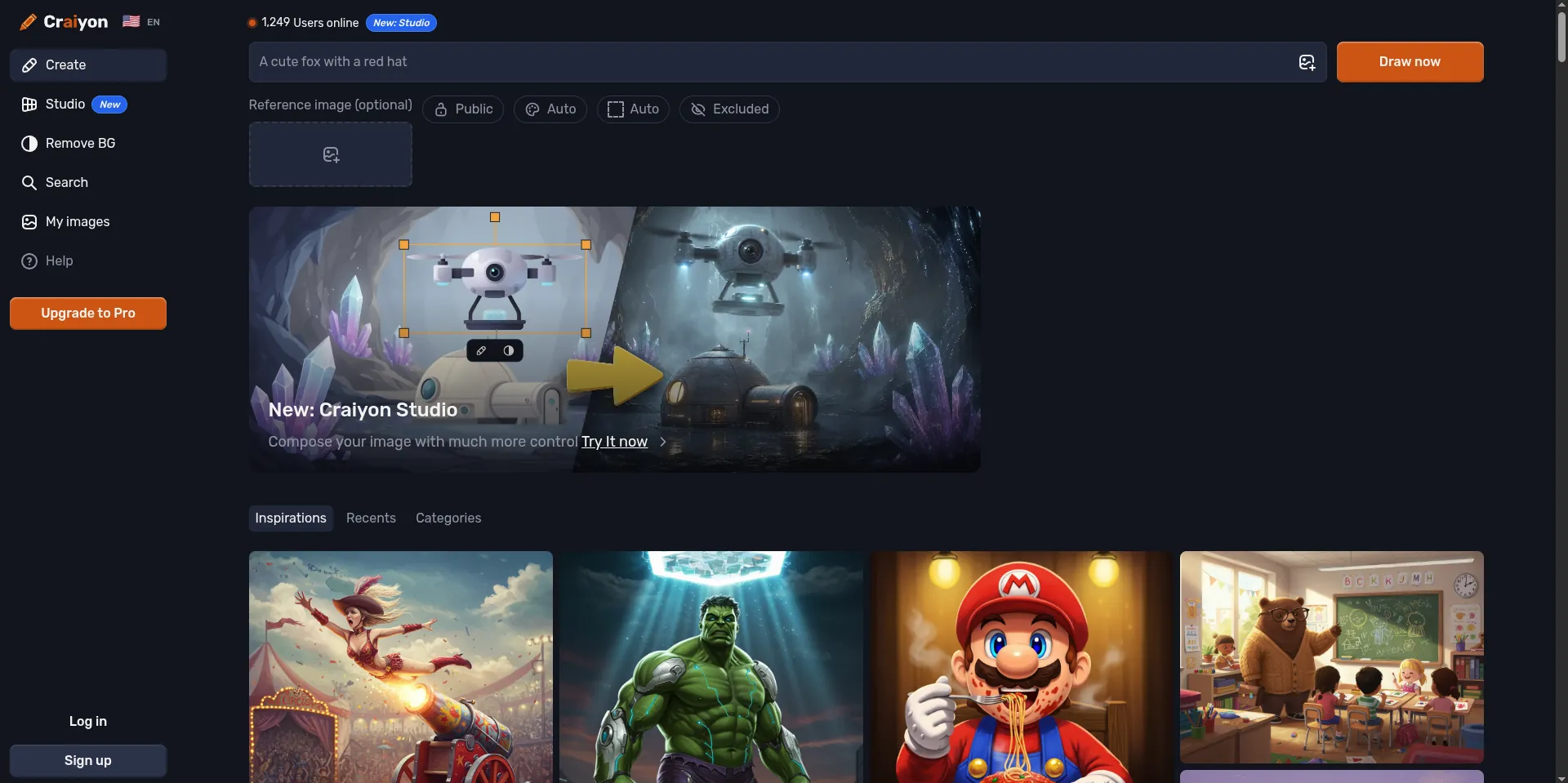
What makes it unique: Craiyon is one of the oldest survivors in the free AI image space, and it has improved dramatically. No account, no fuss, just type and generate. It won't beat Firefly on photorealism, but for quirky illustrations, meme-style images, and quick concept art, it's remarkably consistent and completely unlimited on the free tier.
Website: Craiyon
Image Quality: GoodDaily Free Limit: Unlimited (with ads on the free plan)
Best For: Quick concepts, fun/meme-style art, casual experimenting
4. Ideogram
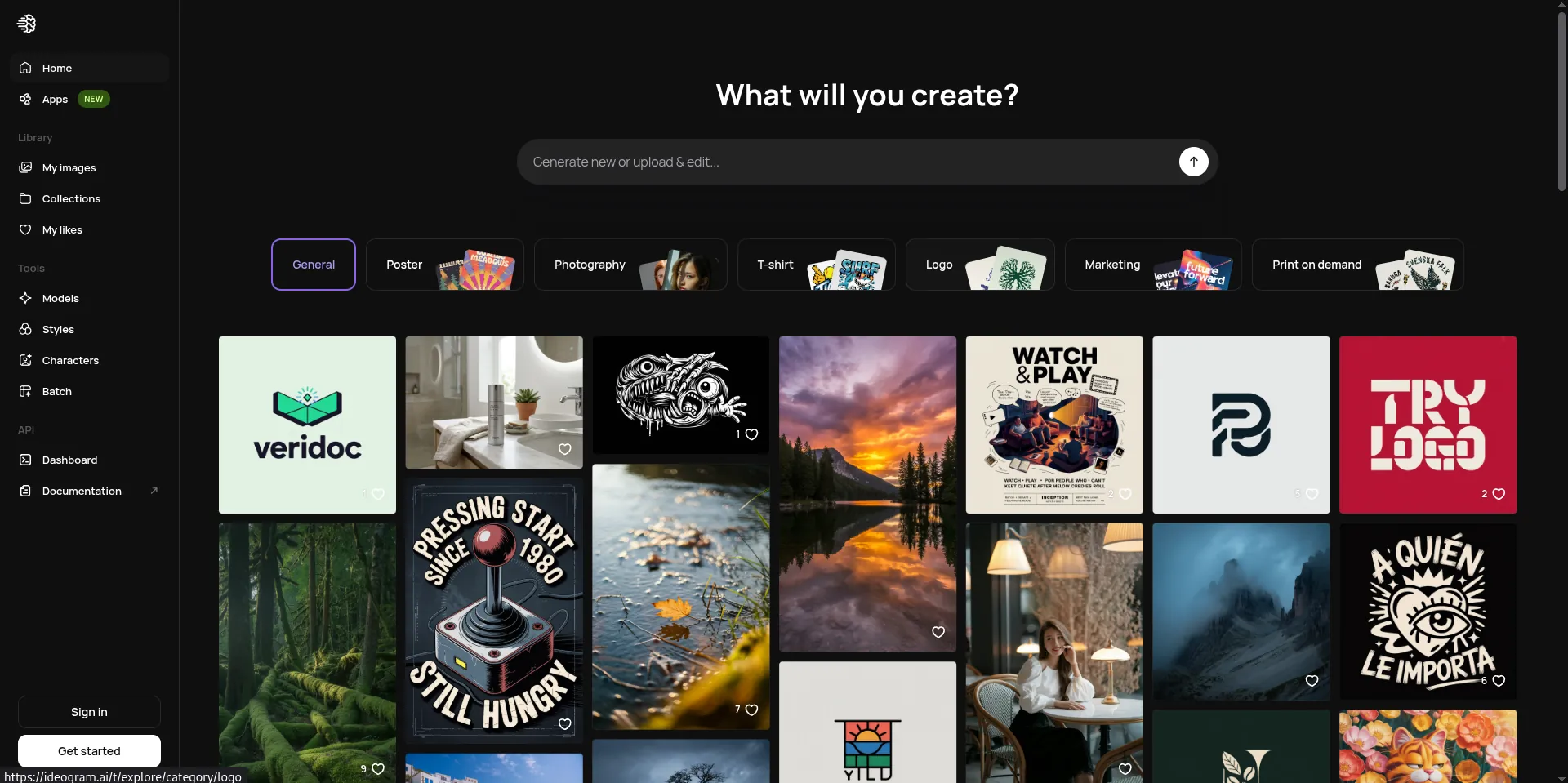
What makes it unique: Ideogram is the go to free tool in 2026 for anyone who needs text inside their AI images, logos, posters, T-shirt graphics, social media cards. Text rendering in AI images has historically been terrible, but Ideogram handles it better than almost anything else at this price point. The free tier is generous and requires no signin for basic use.
Website: Ideogram
Image Quality: Very GoodDaily Free Limit: 10 free generations/day without account
Best For: Text-in-image, posters, quote graphics, social media banners
5. Stable Diffusion (via Hugging Face Spaces)
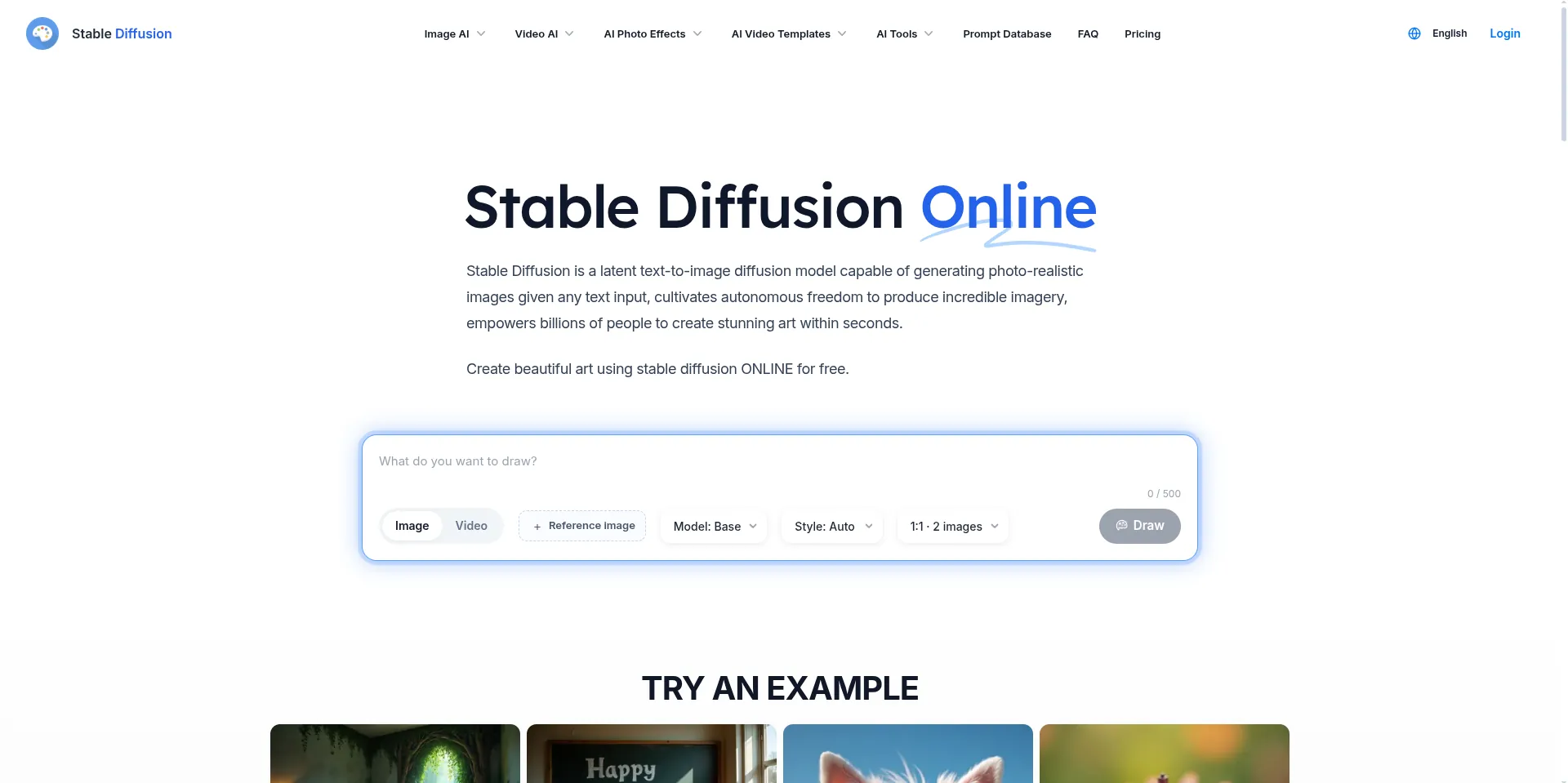
What makes it unique: If you want raw creative control without paying a cent, running Stable Diffusion through public Hugging Face Spaces (like the Stable Diffusion 3.5 or FLUX demos) gives you access to open-source power. No account needed for most public spaces. Results can be inconsistent depending on server load, but the ceiling for quality is genuinely high when you write a solid prompt.
Website: Stable Diffusion
Image Quality: Very Good to ExcellentDaily Free Limit: Varies by space (typically 20–50 generations/session)
Best For: Artistic styles, anime, fantasy art, experimental prompting
6. Canva AI Image Generator (Free Plan)
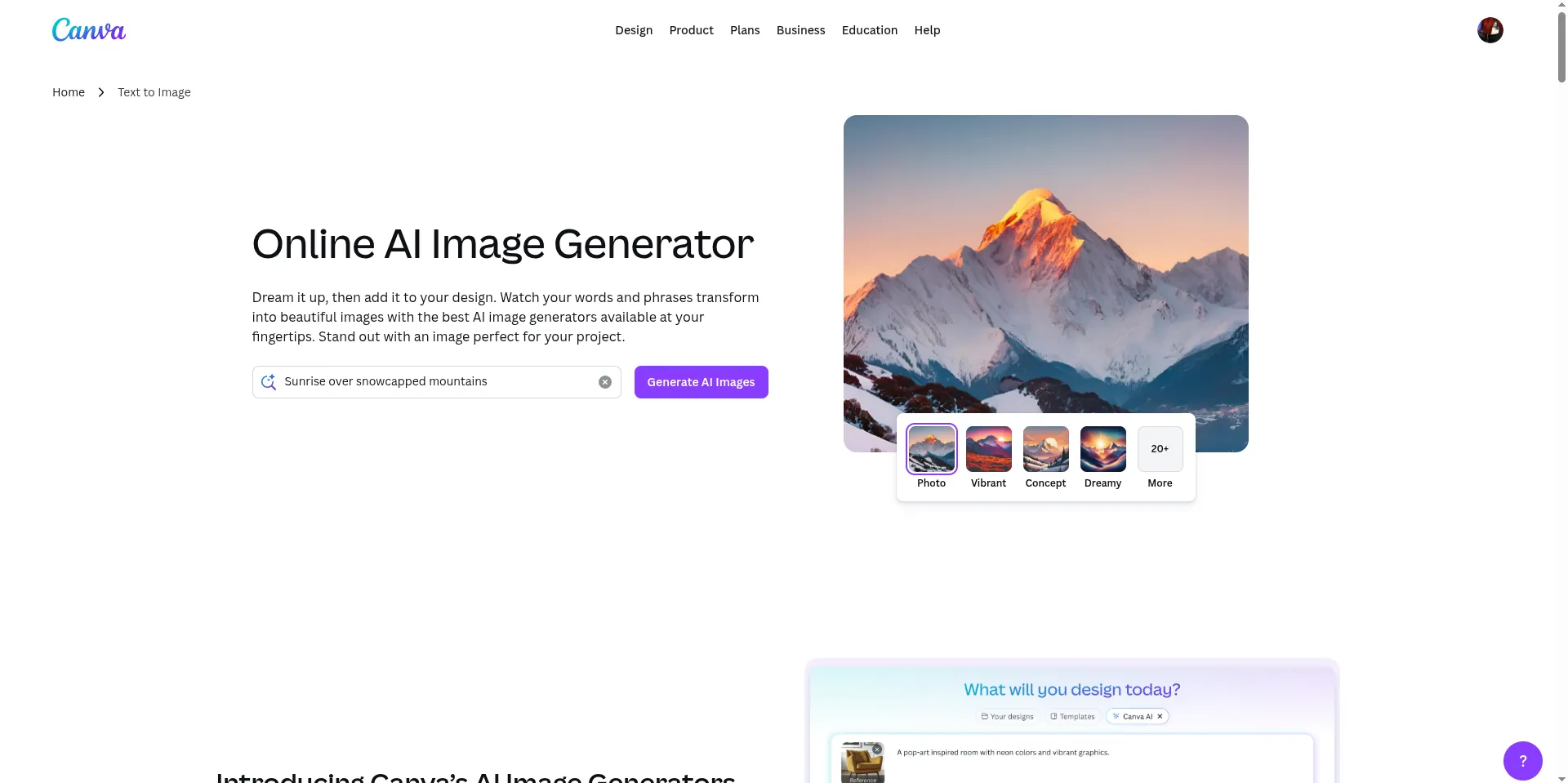
What makes it unique: Canva's AI image tool is built directly into its design workflow, which means you can generate an image and immediately drop it into a social media post, presentation, or flyer, without switching tabs. The free plan is surprisingly capable, and no sign-up is required to try the generator through the public demo mode.
Website: Canva AI Image
Image Quality: Very GoodDaily Free Limit: 50 lifetime free uses on free account (limited demo without account)
Best For: Social media graphics, presentations, marketing content
7. NightCafe Creator
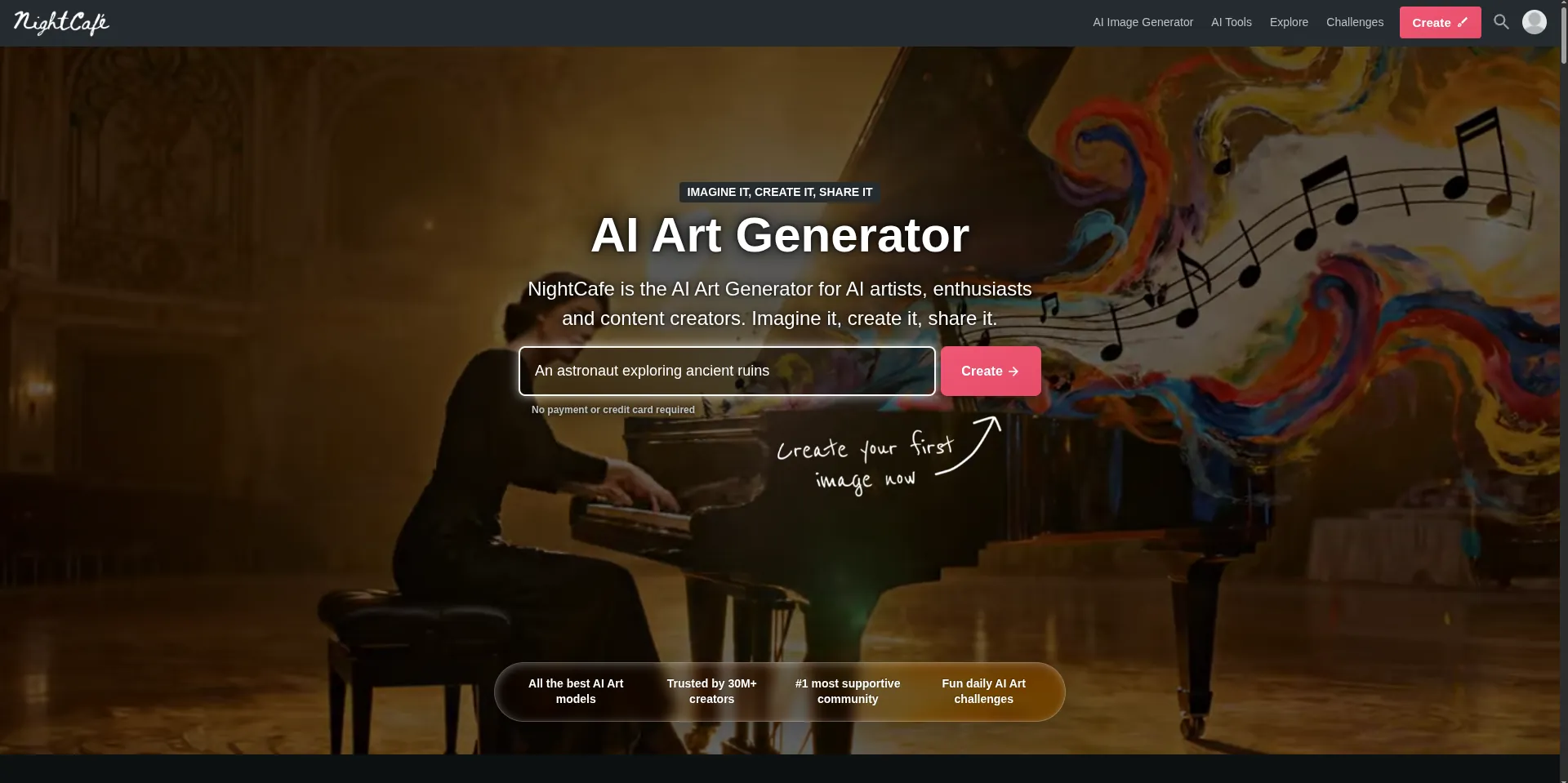
What makes it unique: NightCafe lets you generate images using multiple AI models. DALL-E, Stable Diffusion, and others from a single interface. New users (and even non-logged-in visitors) get free daily credits. It leans toward artistic and painterly styles, and the community gallery is a great source of prompt inspiration.
Website: NightCafe Creator
Image Quality: Very GoodDaily Free Limit: 5 free credits/day without account
Best For: Artistic styles, fine-art aesthetics, multi-model comparison
8. Lexica Art
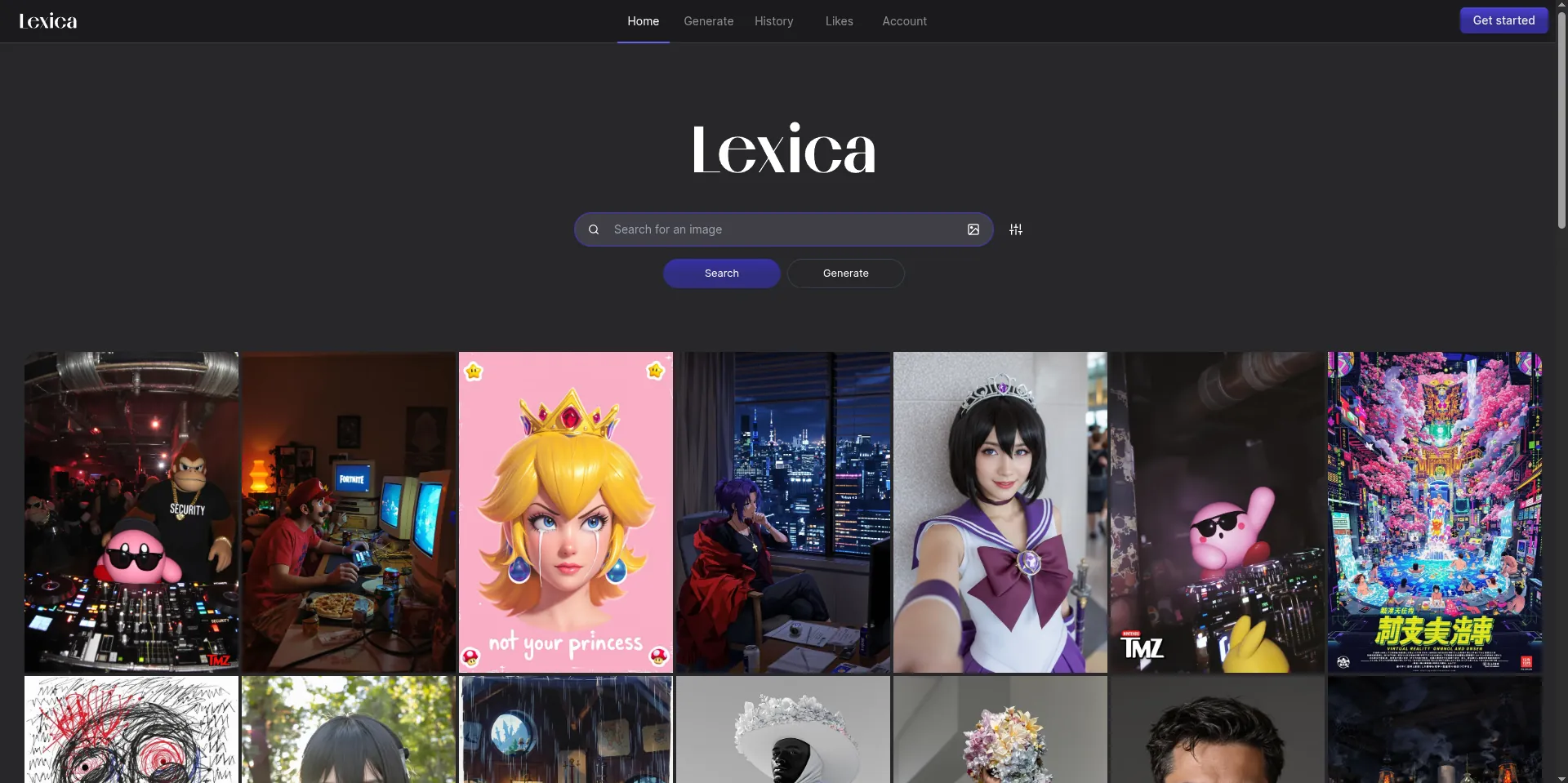
What makes it unique: Lexica started as a Stable Diffusion search engine and evolved into a clean, fast image generator. The interface is minimal and the results skew toward photorealistic and cinematic. No account required to search and view billions of generated images, and the free generation tier is available with minimal friction.
Website: Lexica Art
Image Quality: Very GoodDaily Free Limit: 100 images/month on free tier
Best For: Photorealistic portraits, cinematic scenes, concept art
Comparison Table: At a Glance
Tool Name | Sign-up Required | Daily Free Limit | Best For | Image Quality |
|---|---|---|---|---|
Microsoft Copilot Image Creator | No | ~15 boosted/day | Realistic photos, blog headers | Excellent |
Adobe Firefly | No (limited preview) | 25/month | Clean professional visuals | Excellent |
Craiyon | No | Unlimited (with ads) | Casual, fun, quick concepts | Good |
Ideogram | No | 10/day | Text in images, posters | Very Good |
Stable Diffusion (Hugging Face) | No | 20–50/session | Artistic, experimental styles | Very Good–Excellent |
Canva AI Generator | Optional | Limited demo | Social media, presentations | Very Good |
NightCafe Creator | No | 5 credits/day | Art styles, multi-model | Very Good |
Lexica Art | No | 100/month | Photorealistic, cinematic | Very Good |
Which One Should You Use?
Best for Beginners: Go with Microsoft Copilot Image Creator. It handles vague or simple prompts gracefully and produces consistently impressive results without you needing to learn anything about negative prompts or model settings.
Best for Realistic Photos: Adobe Firefly or Lexica Art. Firefly's training on licensed photography gives it a cleaner, more grounded look. Lexica excels at cinematic realism with the right prompts.
Best for Art and Illustrations: NightCafe Creator or Stable Diffusion via Hugging Face. Both let you push creative boundaries, painterly textures, fantasy landscapes, anime aesthetics in ways the more conservative tools won't.
Best for Fast Results: Craiyon for unlimited quick generations, or Copilot Image Creator if you want speed and quality. Craiyon shows results in seconds with zero friction.
How to Write Better Prompts (Tip Box)
Prompt Tips That Actually Work:
Be specific about style: Instead of "a dog," write "a golden retriever sitting in a sunlit field, photorealistic, golden hour lighting, shallow depth of field."
Mention the mood: "melancholic," "vibrant," "minimalist," "cinematic" . These words steer the result significantly.
Add a medium or artist style: "oil painting," "watercolor sketch," "3D render," "in the style of Studio Ghibli" (note: check commercial use rules).
Specify aspect ratio or format if the tool supports it: "landscape format, 16:9" for YouTube thumbnails, "vertical, 9:16" for Instagram Stories.
Avoid negatives in your core prompt: Instead of "no blur," use "sharp focus, high detail." Positive instructions tend to work better.
Start simple, then iterate. Add details one layer at a time until the result feels right.
Common Mistakes to Avoid
Writing Vague or One-Word Prompts
"A cat" will give you a random cat. That might be fine, but if you wanted a specific type of cat in a specific setting doing something interesting, your prompt needs to tell the AI. The tools are only as specific as your instructions.
Using the Wrong Tool for the Job
If you need a poster with text, using Copilot Image Creator will frustrate you. Its text rendering is inconsistent. Use Ideogram instead. If you need photorealistic product mockups, Craiyon isn't the right fit. Match the tool to the use case.
Expecting Commercial Use by Default
Not every image generated by a free AI tool is yours to use commercially. Adobe Firefly images are generally safe due to their training data. Others, like those generated from open-source Stable Diffusion models, sit in a legally murky area depending on jurisdiction. Always check the specific tool's terms before using generated images in paid projects.
Ignoring Aspect Ratio Settings
Generating a square image and then stretching it to a YouTube banner will look terrible. Use tools that let you pick the aspect ratio from the start; Ideogram, Canva, and NightCafe all support this.
Copying Prompts Without Adapting Them
Prompt libraries and community galleries are fantastic for inspiration, but copying a prompt blindly and expecting the same result in a different tool won't work. Each model interprets prompts differently. Treat borrowed prompts as starting points.
FAQ
Are these tools really free? Yes, the tools listed here have genuine free tiers with no credit card required. Some like Craiyon are fully unlimited on the free plan (with ads). Others like Adobe Firefly give you a monthly credit allowance. None require payment to try.
Can I use AI-generated images commercially? It depends on the tool. Adobe Firefly explicitly allows commercial use of images generated on its platform. Microsoft Copilot Image Creator allows personal use but limits commercial use. Craiyon grants you ownership of outputs for personal and commercial use under most circumstances. Always read the Terms of Service for the specific tool before publishing or selling generated images.
Which tool is best for social media posts? Canva AI Generator wins here because you create the image and design the post in the same place. Ideogram is a close second for posts that need bold text overlays, great for quotes, announcements, or promotional graphics. For aesthetically rich visuals without text, Copilot Image Creator is hard to beat.
Do I need a VPN to access these tools? Generally, no. All tools listed here are accessible in most countries without a VPN. However, some regions may have geo-restrictions on specific platforms (for example, certain Hugging Face Spaces may throttle traffic from specific regions). If a tool isn't loading or is throwing errors, trying a different browser or clearing cache usually solves it before resorting to a VPN.
What is the best prompt style for AI image generators? The most reliable structure is: [Subject] + [Setting/Context] + [Style/Medium] + [Lighting/Mood] + [Technical details]. For example: "A futuristic city skyline at dusk, cyberpunk aesthetic, neon lights reflected in rain puddles, cinematic wide shot, ultra-detailed." This gives the model enough direction without being so restrictive it produces a stiff result.